SCBWI- Scribblers Cover a Bovine With Illustrations

Earlier this year, myself and other local members of the Society of Children’s Book Writers and Illustrators (SCBWI) painted a fibreglass cow.

me painting a cow's bum
me painting a cow’s bum

It was an art project for the Cow Parade, which came to Margaret River in March.

The cow features paintings by SCBWI illustrators Matt Ottley, Frane Lessac, Shannon Melville, Sam Hughes, Karen Blair, Briony Stewart and Wendy Binks. The cow also features cover images from books by SCBWI authors.

The finished cow was on display at McLeod Creek Wines during the Parade…

 SCBWI cow at McLeod's Winery

…but is now at the State Library in the children’s Mezzanine section. Stop by and say moo sometime.
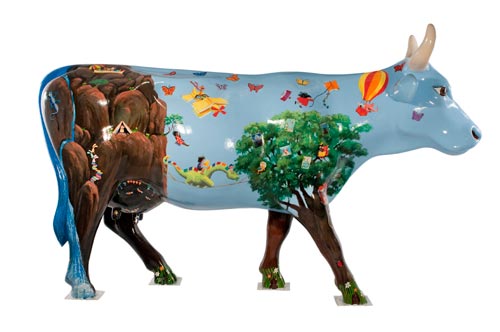
the SCBWI cow

Have a squiz at Frane Lessac’s blog for more pictures of our group at work.

State Library workshop

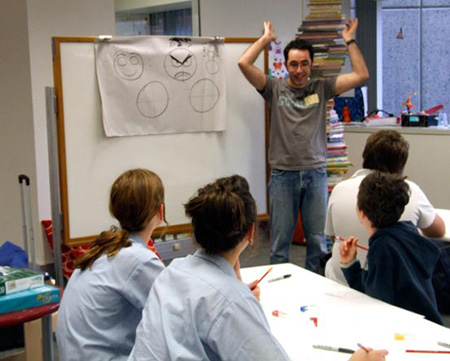
Last Thursday I was lucky enough to spend an hour running a workshop with some talented cartoonists. We covered facial expressions, bodies, movement and animals.

The expressions section resulted in some interesting photos: see below.

Thanks to both the State Library and the Wild West Comedy Festival for having me along.

workshop photo 2
“I can smell it. I hope they didn’t hear it.”
workshop photo 1
“I’m going to grow an afro THIS BIG!”

Digital colouring in photoshop

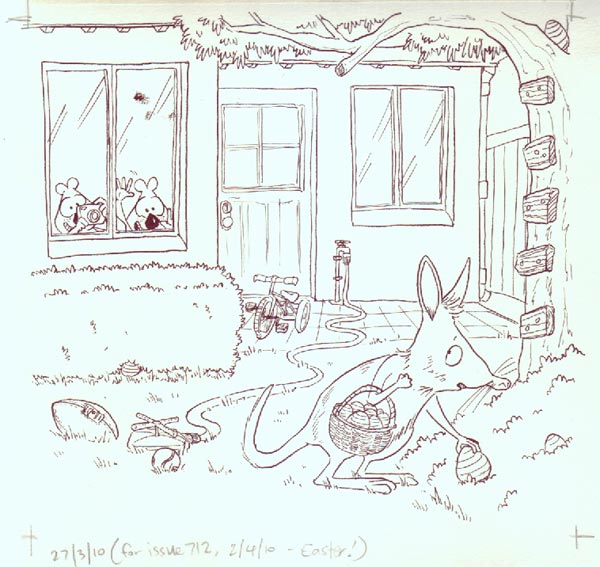
Here’s a rundown of how I colour the Quokka cover each week. I’ll use the Easter cover as an example.

I use Photoshop CS3 and a Wacom Intuos 3 graphics tablet to do the colouring.

I do quite a few things to get to the colouring stage:

1. I draw a sketch at final print size, and get it approved by Quokka Press
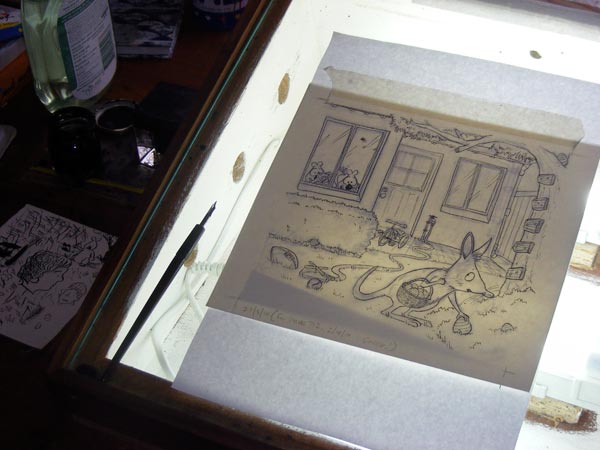
2. I set the sketch onto my lightbox, and lay over some watercolour paper (190 gsm smooth)
3. I ink the lines in using ordinary black ink and a  Hunt 120 nib

lightbox
finished line work on my lightbox

4. I scan the finished linework (300dpi, ‘colour’ mode)
5. I save the original scan as a tiff file (and keep a copy separate)

2-scan-PS
scanned image, before clean-up

Continue reading “Digital colouring in photoshop”