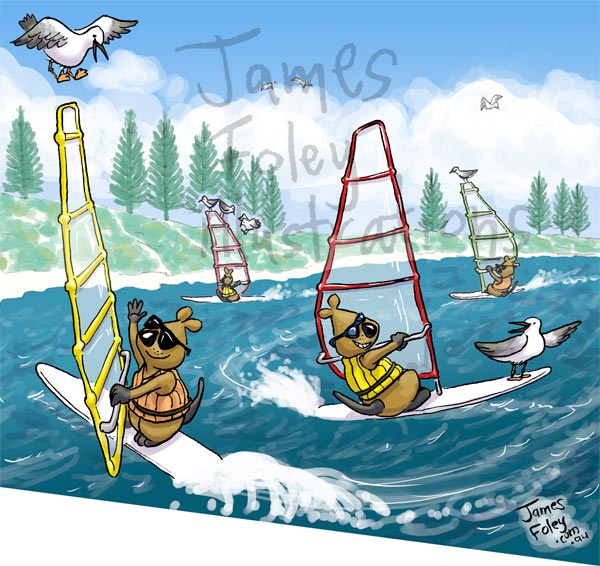
I hope this doesn’t mean my Quokka covers have jumped the shark…
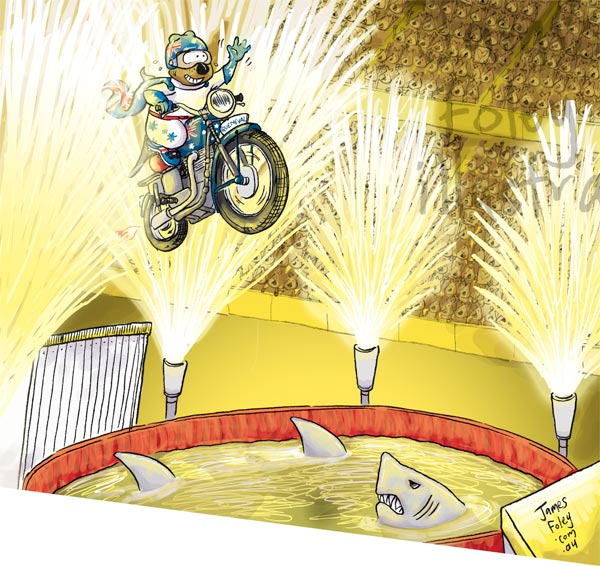

I hope this doesn’t mean my Quokka covers have jumped the shark…
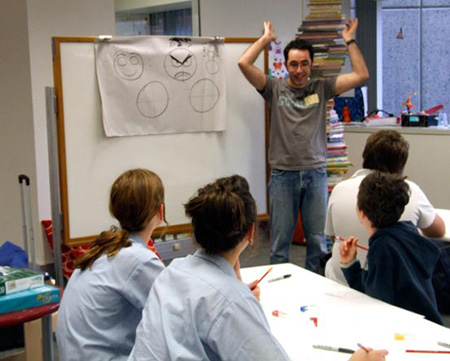
Last Thursday I was lucky enough to spend an hour running a workshop with some talented cartoonists. We covered facial expressions, bodies, movement and animals.
The expressions section resulted in some interesting photos: see below.
Thanks to both the State Library and the Wild West Comedy Festival for having me along.

Here’s a second cover supporting the Days of Change campaign, sponsored by Quokka Press.

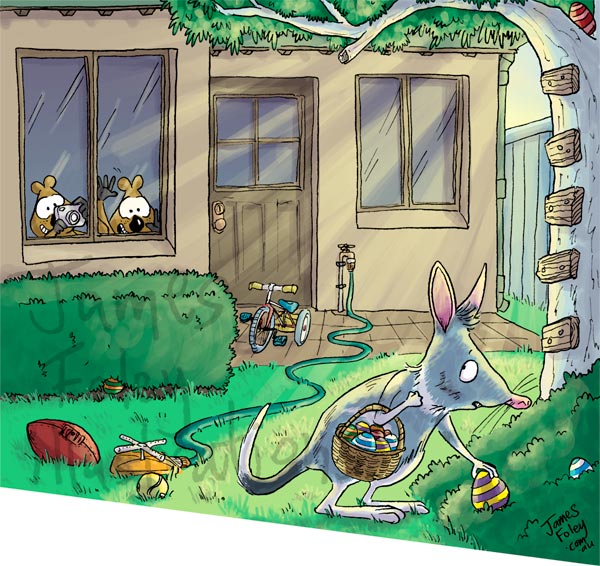
Here’s a rundown of how I colour the Quokka cover each week. I’ll use the Easter cover as an example.
I use Photoshop CS3 and a Wacom Intuos 3 graphics tablet to do the colouring.
I do quite a few things to get to the colouring stage:
1. I draw a sketch at final print size, and get it approved by Quokka Press
2. I set the sketch onto my lightbox, and lay over some watercolour paper (190 gsm smooth)
3. I ink the lines in using ordinary black ink and a Hunt 120 nib
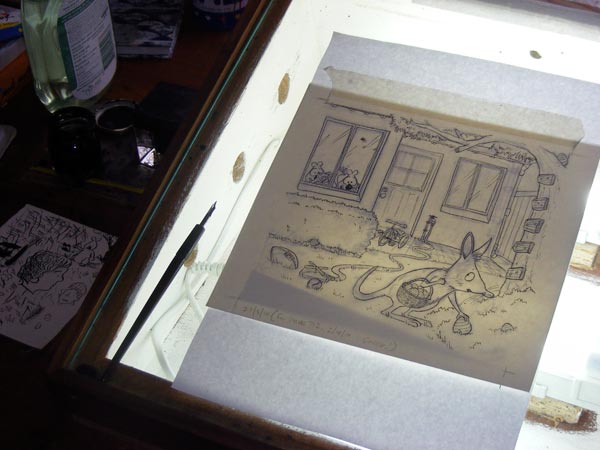
4. I scan the finished linework (300dpi, ‘colour’ mode)
5. I save the original scan as a tiff file (and keep a copy separate)
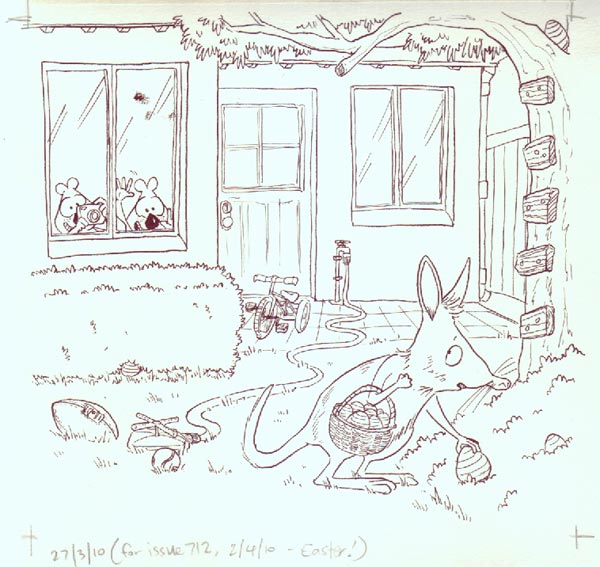

This week’s cover highlights Days of Change, a new social networking site launching on May 1st.
Individuals, schools and organisations are invited to join and make pledges: simple actions they can take to help create a more sustainable future.

Here’s the cover for Anzac Day- the Flame of Remembrance at Kings Park.

Fun topic this week- it’s not often I get to draw quokkas in these sorts of poses, because they’re usually squatting on the ground.
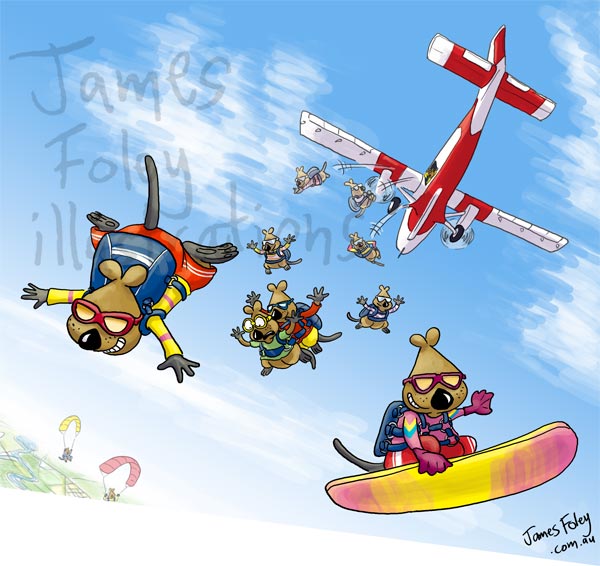
And as an extra special treat, here’s a video of how I put the cover together this week. Turn your speakers up.
A friend remarked that she was glad the quokkas were wearing eye protection. I suppose when the seagulls are right above their heads, that’s quite important.